Your ports.
My rules.
Zero conflicts.
Port Daddy is the authoritative port manager for multi-agent development. Stable ports, agent coordination, pub/sub messaging, and dead-agent salvage — all from one daemon.
$ npm install -g port-daddy
Installs CLI, MCP server, and Claude Code skills — ready to use immediately.
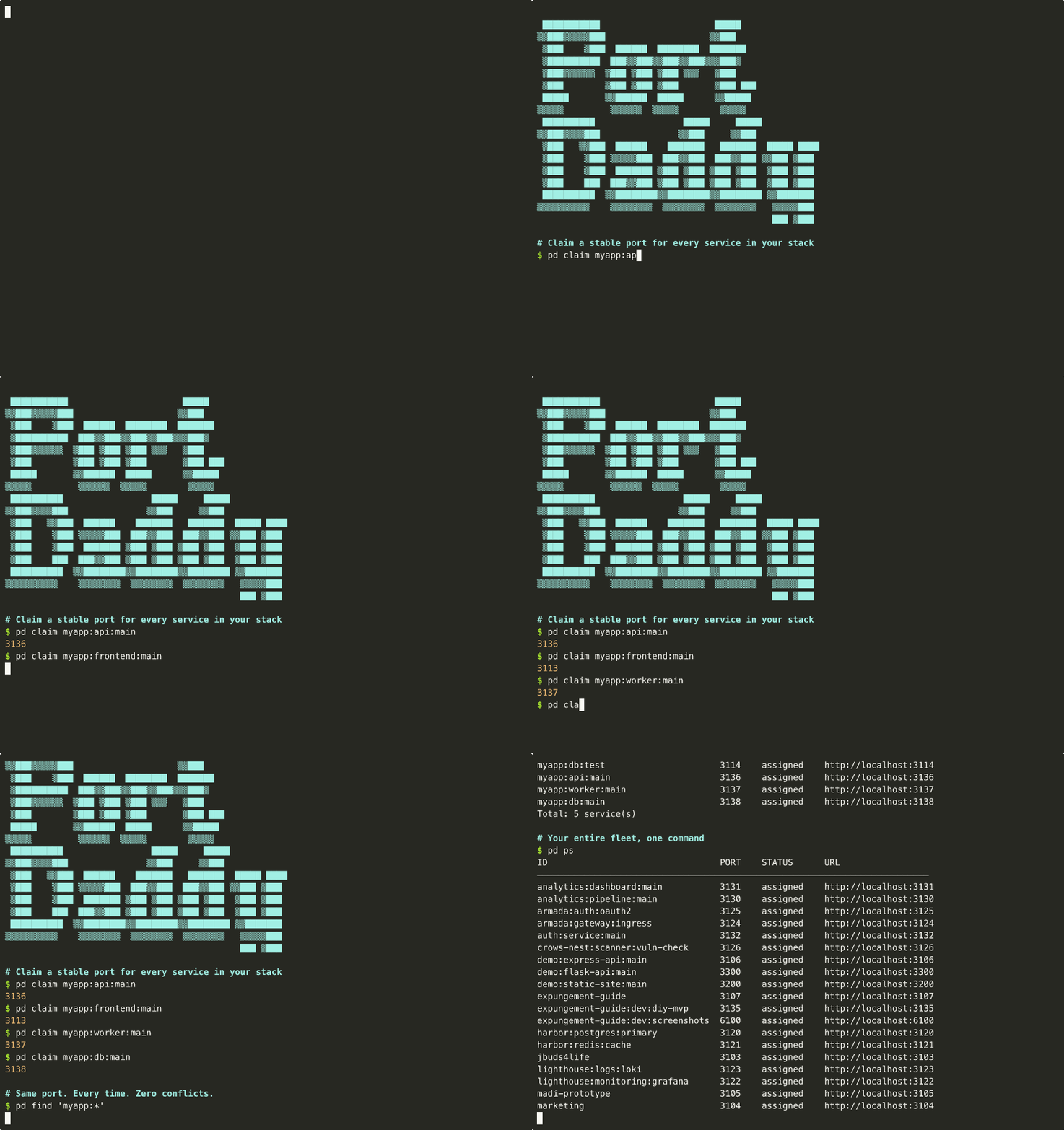
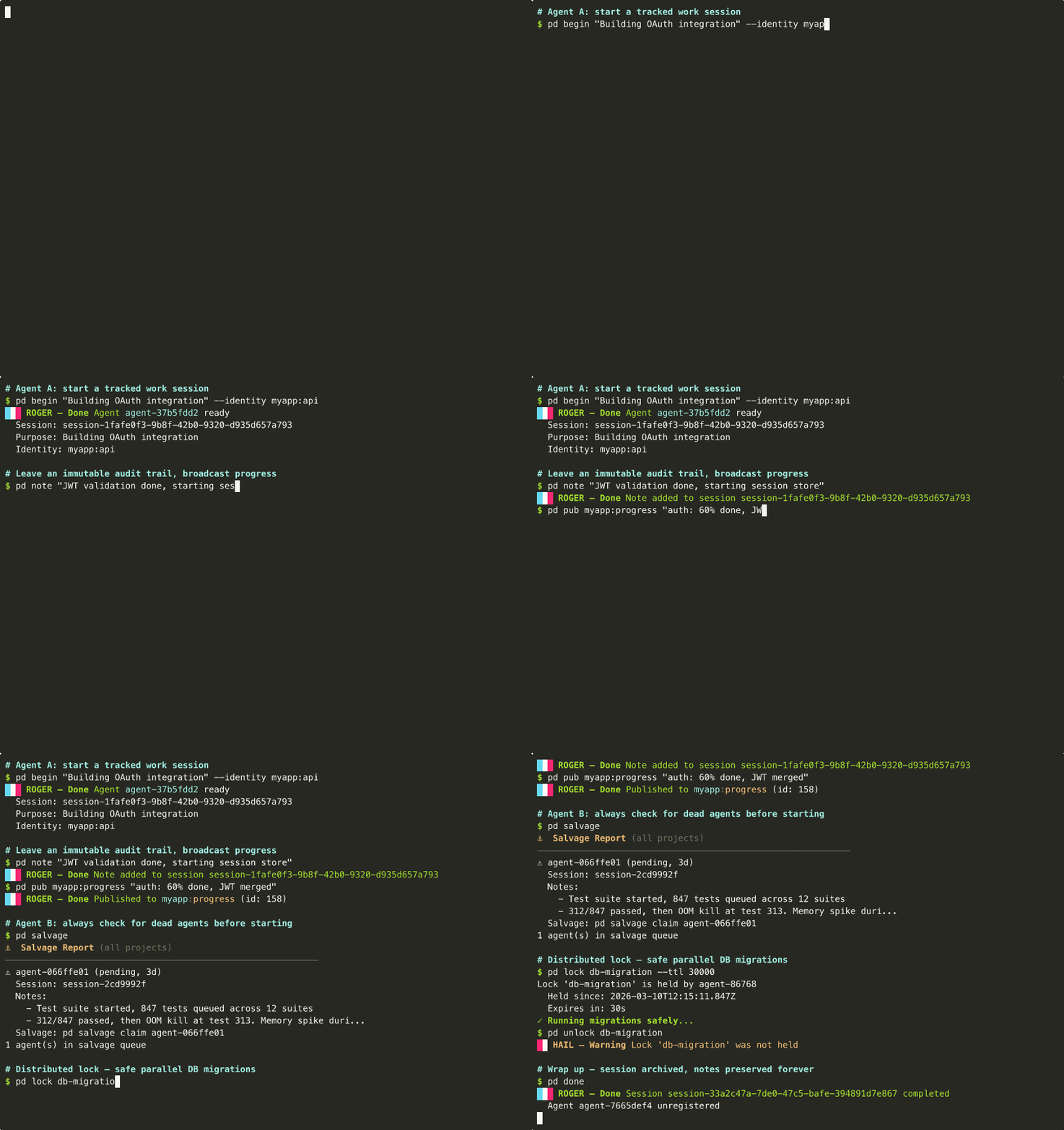
Real commands. Real output.
Every frame is captured from a live Port Daddy daemon — no fake terminals.
Everything you need for local dev
One daemon. Many projects. Zero port conflicts.
Stable Ports
Same port every time. Deterministic assignment from identity hash. No more port roulette.
pd claim myapp:api
Agent Coordination
Sessions, notes, locks, pub/sub messaging. Built for multi-agent dev with Claude, Cursor, and Aider.
pd begin "Building auth"
DNS Resolution
Access services by name instead of port number. Writes to /etc/hosts for OS-level resolution.
myapp-api.local
Live Dashboard
15-panel dashboard at localhost:9876. Services, agents, sessions, locks, activity -- all live-updating.
pd dashboard
Quick Start
Install
$ npm install -g port-daddyClaim a Port
$ PORT=$(pd claim myapp:api -q)
$ npm run dev -- --port $PORTOpen the Dashboard
$ pd dashboard
# Opens http://localhost:9876